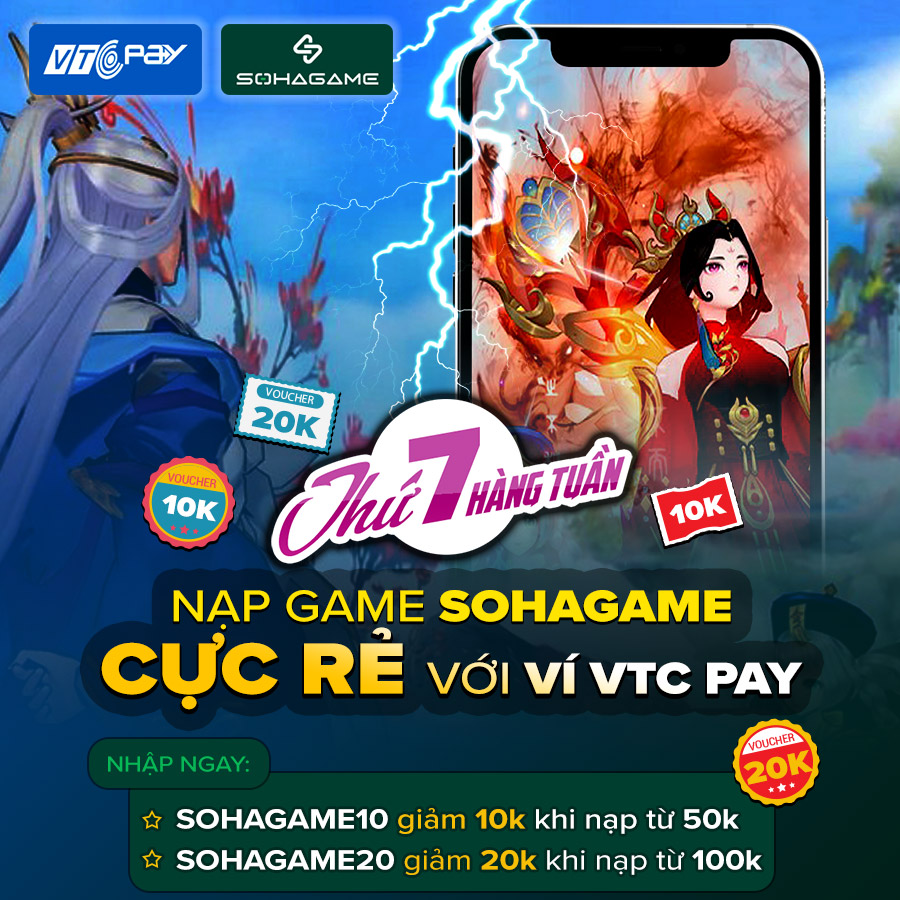
New Year 2022 & Gamer Appreciation Event!
Top up SohaCoin now with the VTC Pay wallet to receive SUPER HUGE discounts!
- Enter SOHAGAME10 for a 10k discount when topping up from 50k
- Enter SOHAGAME20 for a 20k discount when topping up from 100k
How to Top Up:
- Step 1: Visit https://nap.sohagame.vn/, log in to your account, and select the game and character you want to top up.
- Step 2: Select Top Up SohaCoin => Select Electronic Wallet.
- Step 3: Choose the amount you want to top up and select VTC Pay as the payment method. In the Domestic Debit Card section, select the VTC Pay logo.
- Step 4: Log in to your VTC Pay account using your registered phone number.
- Step 5: Select Enter New Discount Code and enter the discount code:
- SOHAGAME10 for a 10k discount when topping up from 50k
- SOHAGAME20 for a 20k discount when topping up from 100k
- Step 6: Confirm payment
Event Duration: Every Saturday (Starting from January 1st to March 31st, 2022)
NOTE: Discount codes only apply to payments made via the VTC Pay wallet. Each VTC Pay wallet can use each type of discount code once on Saturdays.