1. What do I need to do to play SohaGame games?
Please refer to and follow these steps:
- Register a SohaGame account:
- Visit https://sohagame.vn, select “Login”, then “Register”.
- Read the terms and conditions carefully.
- Fill in all required information.
- Choose a game at: https://sohagame.vn
- Download the game to your phone or PC.
- Log in to your SohaGame account.
- Start playing.
- You can choose a game on the SohaGame homepage (https://sohagame.vn) or download it from the game's individual homepage. After starting the game, log in with your SohaGame account. If you don't have an account, you can register when the game starts.
2. What should I do if I register with incorrect/confused/lost registration email for a SohaGame account?
Contact Customer Support (CSKH) for assistance by:
- Creating an error report.
- Contacting the hotline directly.
- Sending a support request to: hotro@sohagame.vn
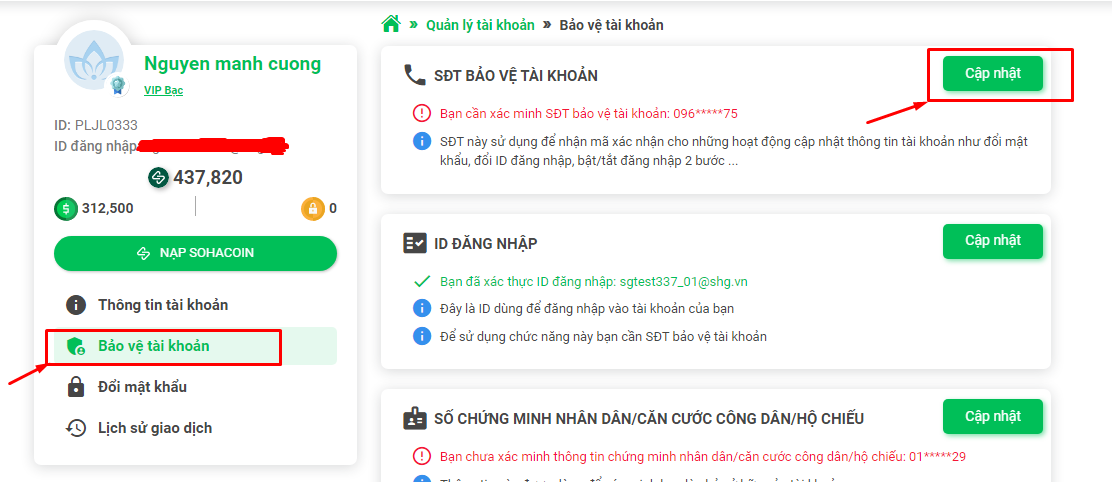
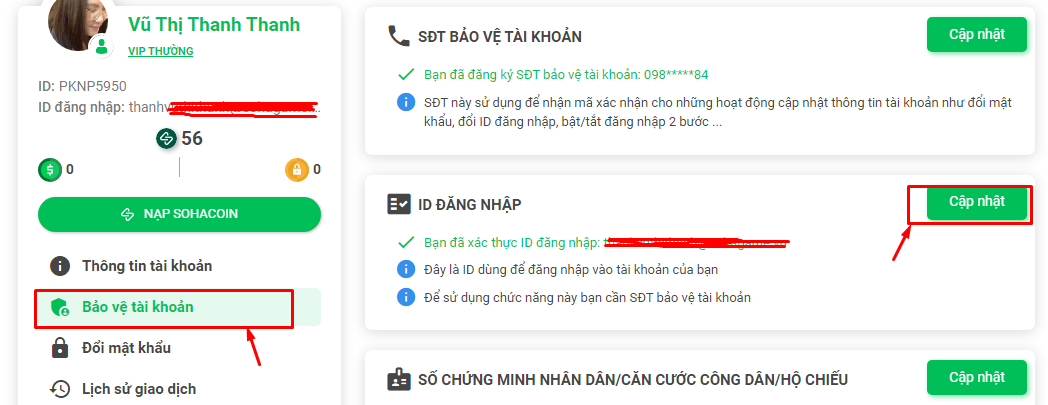
Register your protection information and phone number, then change your email according to CSKH instructions or in the “Account Protection” section at: https://sohagame.vn/huong-dan-game
3. I don't receive the activation link email when changing the protection phone number or SohaID registration email.
Check your promotional and spam folders. If you still don't receive it, please contact CSKH for assistance by:
- Submitting a request on the error reporting page.
- Calling the hotline.
- Sending an email to: hotro@sohgame.vn
4. I'm playing, but suddenly I've lost my login password. What should I do?
If you still use the email/phone number registered with SohaID:
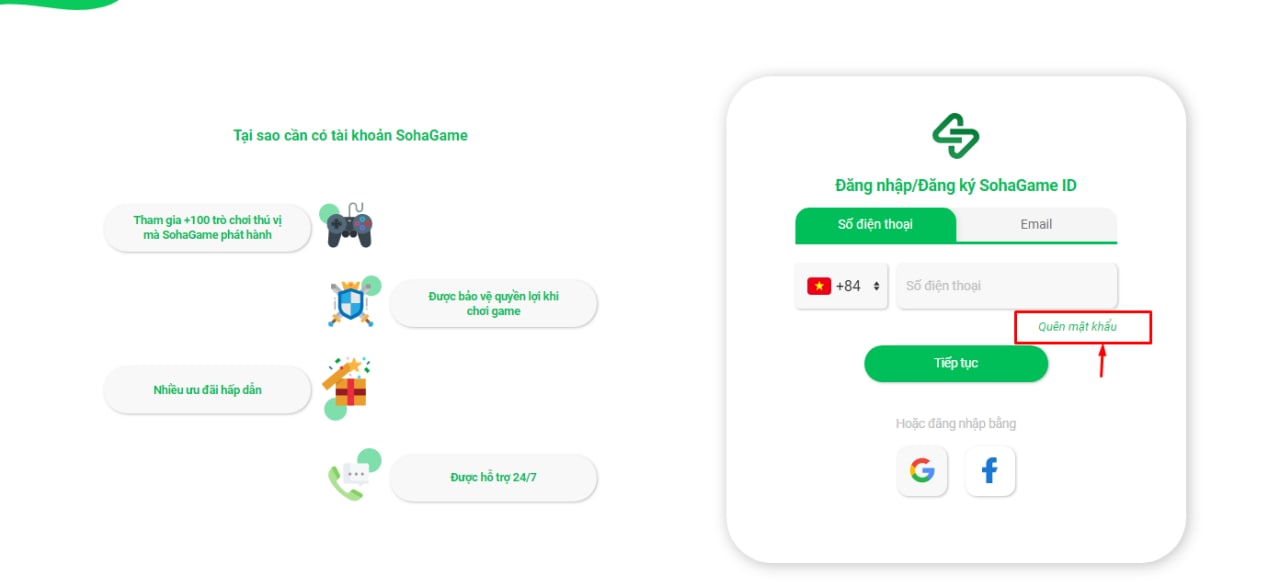
If you no longer use the email registered with SohaID:
- Visit: and select “Report Lost/Hacked Account”.
- Follow the system's response and provide the requested information.
If you want to speak to a representative, contact the hotline directly or send a support request to: hotro@sohagame.vn
5. My account has been hacked, I've lost my password, and my account information has been changed. What should I do?
- Visit: and select “Report Lost/Hacked Account”.
- Follow the system's response and provide the requested information.
- Contact the hotline directly or send a support request to: hotro@sohagame.vn
6. I log in with a Facebook or Google account. Now I want to recover my password to log in to http://sohagame.vn/ and the SohaGame app. What should I do?
Log in to https:// and clearly state your support request, leaving your email/phone number for CSKH to send your password. Follow CSKH's response to the email/phone number left on the error report.
7. I want to change my ID card because I previously entered incorrect information but now I don't remember it. My registration email is a fake email, and my phone number hasn't been updated. How do I update it?
Log in and create an error report on https:// and clearly state your support request in the “Account Issues” section. Provide the verification information as instructed by CSKH and wait for a response.
8. I can log in to my account but can't log in to the game.
Log in and create an error report on https:// and clearly state your support request in the “Login Error” section. Provide character information, the server you're playing on, and an image of the error message for the game management team to check. Follow the game management team's response.
9. I want to change my registration email. What should I do?
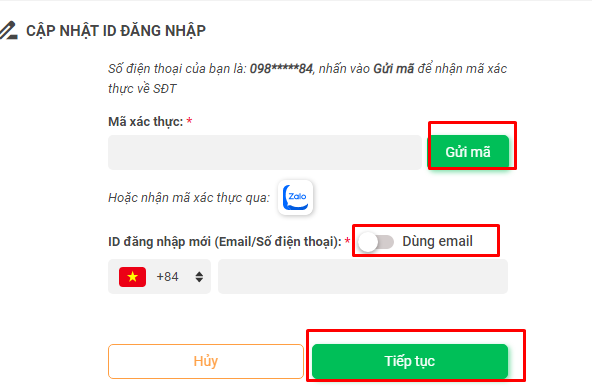
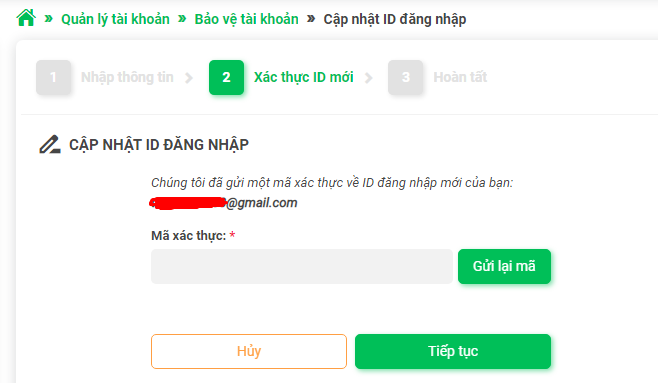
To change your SohaID email, your account needs a protected phone number. Please follow the instructions in the “Account Protection” section at: https://sohagame.vn/huong-dan-game. If your account hasn't updated its protected phone number:
- Log in and create an error report on https://, clearly stating your request.
- Provide the information as instructed by CSKH.
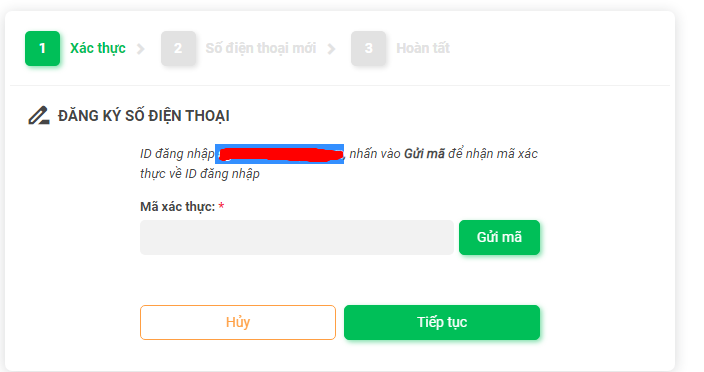
- Wait for the verification code and update your protected phone number.
10. I don't remember the ID card number registered for my account. How do I recover it?
Follow the steps in section 7.
11. Why is my SohaGame account locked?
Your SohaGame account may be locked due to verification, violation of game policies, or payment policies. To check the details, please:
- Create an error report on http:// with a different account to report the error or select “Report Lost or Hacked Account”, providing your account information and contact email for CSKH support.
- Or send an email to hotro@sohagame.vn or connect to the hotline, providing the account information to be checked.
12. I'm not receiving the OTP code sent to my protected phone number when changing my account.
The failure to receive the OTP code may be due to network errors causing delays, or the phone number may have been changed. You can click “Update” 3 times to receive a voice OTP. If you still don't receive the OTP, please create an error report on http:// or email hotro@sohagame.vn or connect directly with the CSKH department.
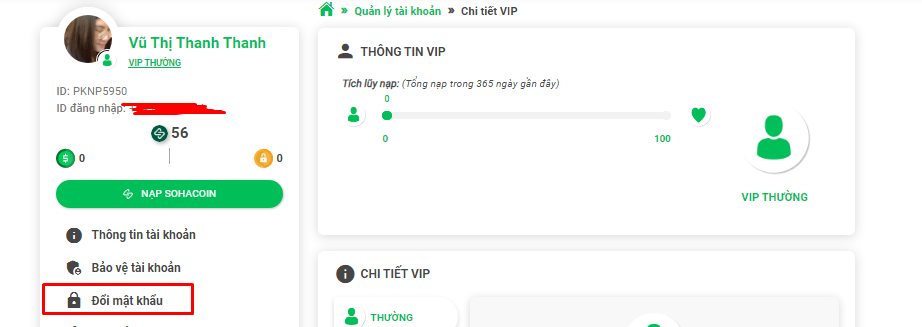
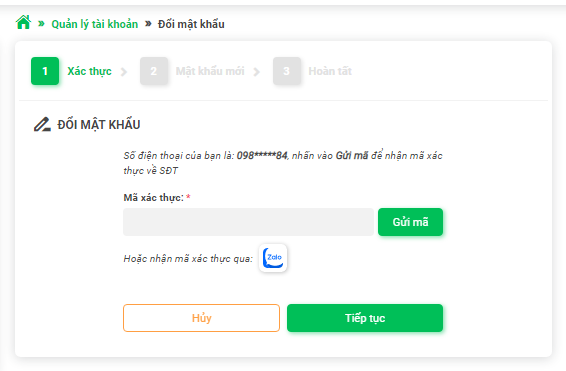
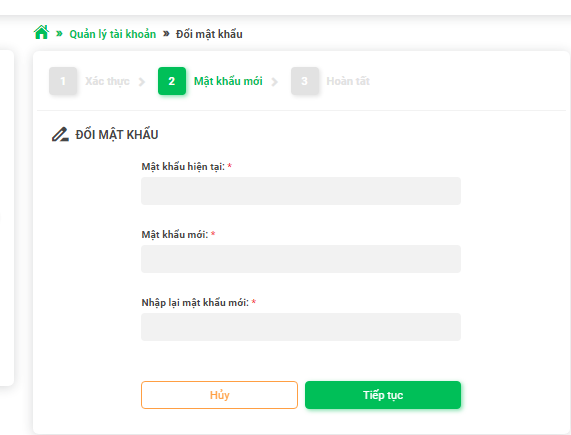
13. How do I change my SohaGame account password?
14. If I change my SohaGame account password, will my login password for the SohaGame app also change?
Yes. You will log in to the SohaGame app with the changed SohaGame account password.
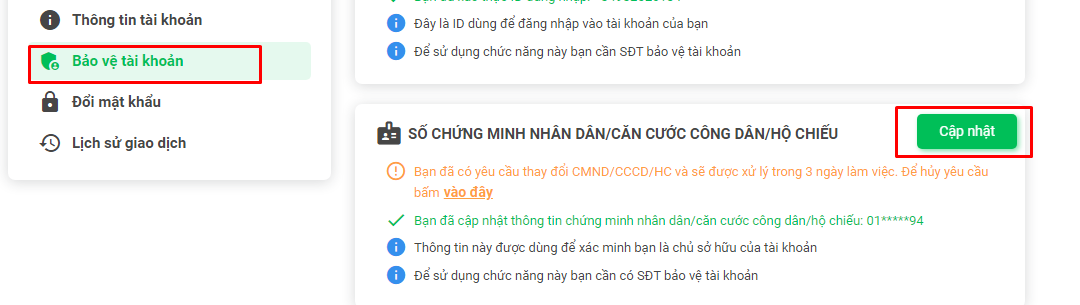
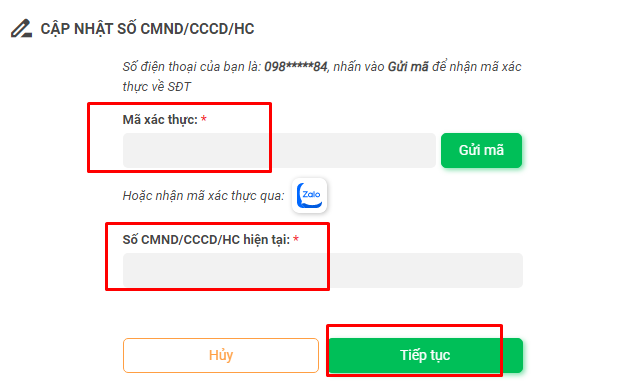
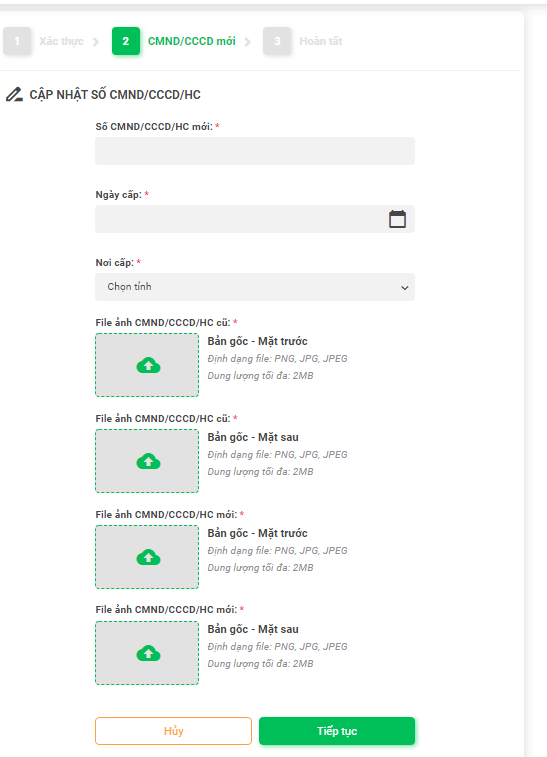
15. I want to change my ID card, SohaID registration email, and protected phone number for my SohaGame account because my old ID card, Gmail, and phone number are no longer in use.
Please log in at: https://taikhoan.sohagame.vn/Account/AccountProtection. Select the items you need to change and follow the instructions. Refer to the “Account Protection” section at: https://sohagame.vn/huong-dan-game.
16. Why does the system report an incorrect OTP when I enter it?
The OTP code is valid for 3 minutes. If this time has passed, the OTP code will no longer be valid. Please try again.
17. I changed my phone number/email but entered it incorrectly, resulting in not receiving the OTP/verification email. What should I do?
The email verification link is valid for 3 days. Please wait 3 days to try again. If you entered the phone number incorrectly, please create an error report on https://.
18. My account has been locked, and I need to file a complaint.
If your account is locked, it may be due to a violation of the terms of service or a dispute. Please create an error report on http:// or email hotro@sohagame.vn or connect directly with the CSKH department.
19. Where can I view the service agreement or game rules?
You can refer to the terms of service when using SohaGame's services here: https://sohagame.vn/dieu-khoan